

4K vs 5K vs 5K2K: Which Monitor Resolution Do You Actually Need?
Monitor resolution can get confusing quickly. 4K, 5K, and 5K2K all sound premium, but they are not built for the exact same kind of workspace. The right choice depends on how much detail you need, how large you want your screen to be, how much room you have on your desk, and whether you prefer a traditional display shape or a wider ultrawide format.
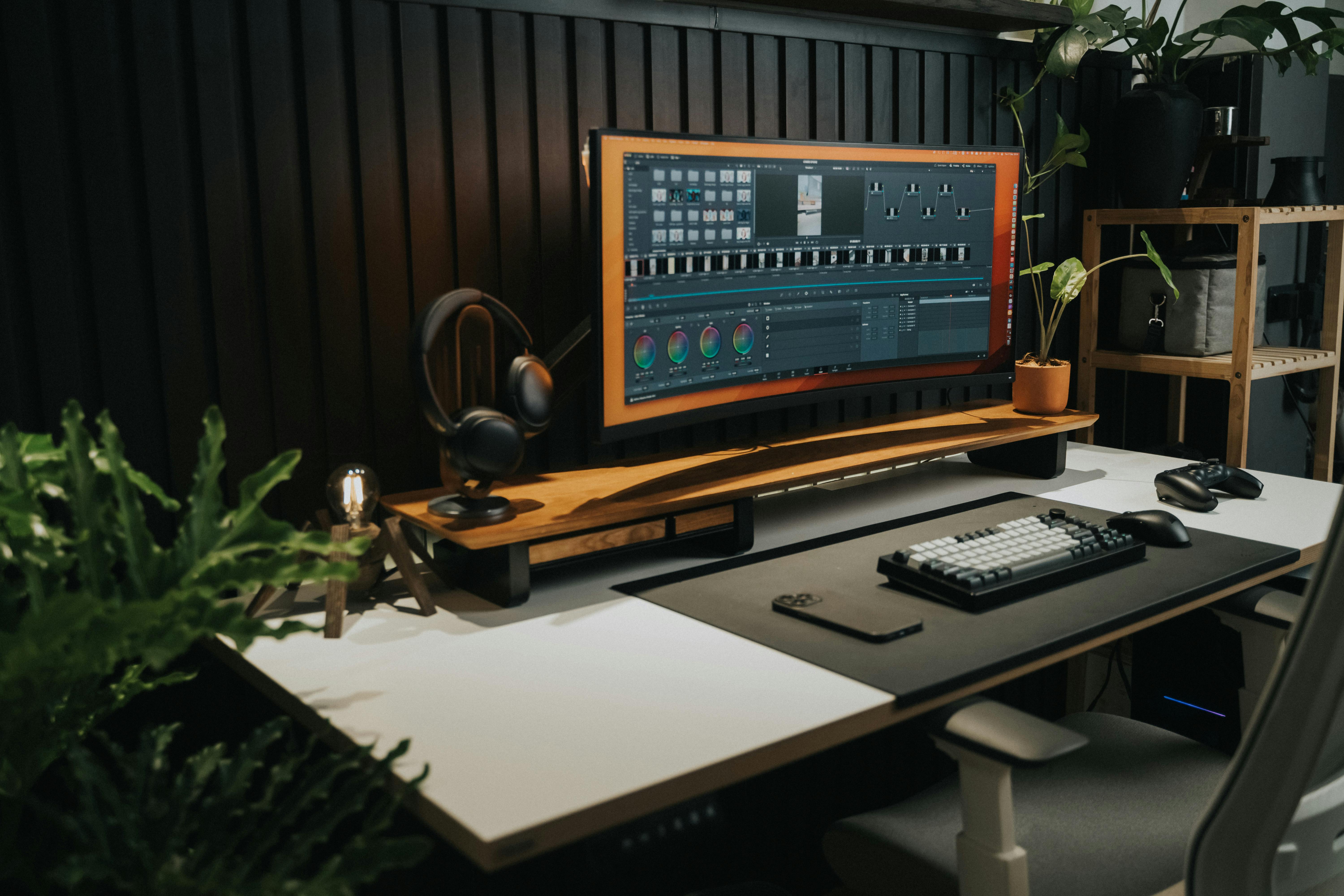
The simple version is this. 4K is the most familiar high-resolution upgrade for everyday work and entertainment. 5K gives you sharper detail in a standard widescreen format. 5K2K gives you extra width for multitasking while keeping the same vertical pixel height as 4K. Each one can be the best choice, but only for the right setup.
What 4K means
A 4K monitor usually has a resolution of 3840 x 2160. That gives you four times the pixel count of a standard 1080p display, which means sharper text, clearer images, and more room to arrange windows. For many people, 4K is the easiest recommendation because it balances sharpness, compatibility, and cost.
A 27-inch 4K monitor is a great fit if you want crisp detail in a compact desk setup. It works well for office work, browsing, photo viewing, school, and general productivity. If you want the same 4K resolution with a larger viewing area, a 32-inch 4K monitor gives windows and text more breathing room while keeping the familiar 16:9 shape.
What 5K means
A typical 5K monitor has a resolution of 5120 x 2880. It keeps the same 16:9 aspect ratio as a standard widescreen monitor, but it adds many more pixels than 4K. That makes it especially useful for people who care about fine detail, clean typography, and high-density image work.
A 27-inch 5K monitor is a strong choice for creative professionals, Mac users, designers, photographers, developers, and anyone who wants a very sharp desktop. Compared with 4K, the main benefit is not just more workspace. It is also the extra pixel density, which can make text and interface elements look noticeably smoother.
What 5K2K means
A 5K2K monitor usually has a resolution of 5120 x 2160. The name comes from having roughly 5,000 pixels across and roughly 2,000 pixels vertically. Think of it as a wider version of 4K rather than a taller version of 5K. It keeps the 2160-pixel height of 4K and extends the width for an ultrawide workspace.
That makes a 40-inch 5K2K curved monitor a great option for multitasking, spreadsheets, timelines, content creation, coding, and immersive desk setups. If you often place two or three windows side by side, 5K2K can feel more natural than using two separate monitors because there is no bezel splitting the middle of your workspace.
Quick comparison
| Resolution type | Common resolution | Best for |
|---|---|---|
| 4K | 3840 x 2160 | Everyday productivity, entertainment, sharp text, and general use |
| 5K | 5120 x 2880 | Creative work, high pixel density, design, development, and detailed visuals |
| 5K2K | 5120 x 2160 | Ultrawide multitasking, large workspaces, timelines, spreadsheets, and immersive setups |
Which one is best for office work?
For office work, 4K is usually the most practical choice. It gives you a sharp picture and enough space for email, documents, browser tabs, video calls, and spreadsheets without requiring a huge desk. A 27-inch model is compact and crisp, while a 32-inch model is easier to read from a little farther away.
If your work involves comparing lots of windows at once, 5K2K becomes more appealing. The extra width is useful when you want a dashboard, spreadsheet, inbox, and browser visible together. For people who live in side-by-side workflows, ultrawide space can matter more than extra vertical resolution.
Which one is best for creative work?
Creative work depends on the type of content you make. For photography, design, and high-detail visual work, 5K can be excellent because of its pixel density. It gives you a very clean image in a traditional widescreen shape, which is helpful when you want precise detail without moving to a very large panel.
For video editing, music production, and timeline-based work, 5K2K can be the more comfortable choice. The wider canvas lets you see more of a timeline while keeping tool panels open. That can reduce constant zooming, scrolling, and window rearranging during long sessions.
Which one is best for gaming and entertainment?
4K is widely supported and works well for movies, games, and console setups. It is also easier to drive than 5K or 5K2K, which matters if you want smooth performance. For many gaming setups, a 4K monitor offers the best mix of clarity and compatibility.
5K2K can be more immersive when your computer supports the resolution and your games work well in ultrawide formats. It gives a cinematic field of view and a much larger desktop feel. Just keep in mind that higher resolution means your system has to work harder, especially in demanding games.
Final thoughts
Choose 4K if you want a sharp, reliable, and versatile monitor for everyday use. Choose 5K if you want maximum detail in a standard widescreen shape. Choose 5K2K if you want a wider workspace that can replace a dual-monitor setup and make multitasking feel more fluid.
The best monitor resolution is not always the biggest number. It is the one that matches how you actually work. For a compact high-resolution desk, start with the 27-inch 4K option. For more room, consider 32-inch 4K. For extra sharpness, look at 27-inch 5K. For a wide, modern workspace, 40-inch 5K2K is the format that changes how your whole desk feels.